References
AdGuardHome Download AdGuardHome Fix systemd-resolved
Why AdGuardHome?
AdGuard has become a key service in my homelab. I’m so used to having ads blocked across my network, it’s a surprise loading a site away from home and seeing the broken hellscape of ads everywhere. Get a network level adblocker and learn how to use it. The less tech savvy folks in your home will thank you.
Installation
- Download the latest version of AdGuardHome
- Extract using
tar -xf AdGuardHome_linux_amd64.tar.gz - Move the folder to the destination:
mv AdGuardHome [DESTINATION]- Fedora:
/usr/local/bin/ - Ubuntu:
/opt/
- Fedora:
- Install using
sudo ./AdGuardHome -s install - Set up your account at
http://ADGUARD-SERVER:3000 - Set your router’s DNS server to point at your AdGuardHome server (steps will vary by router)
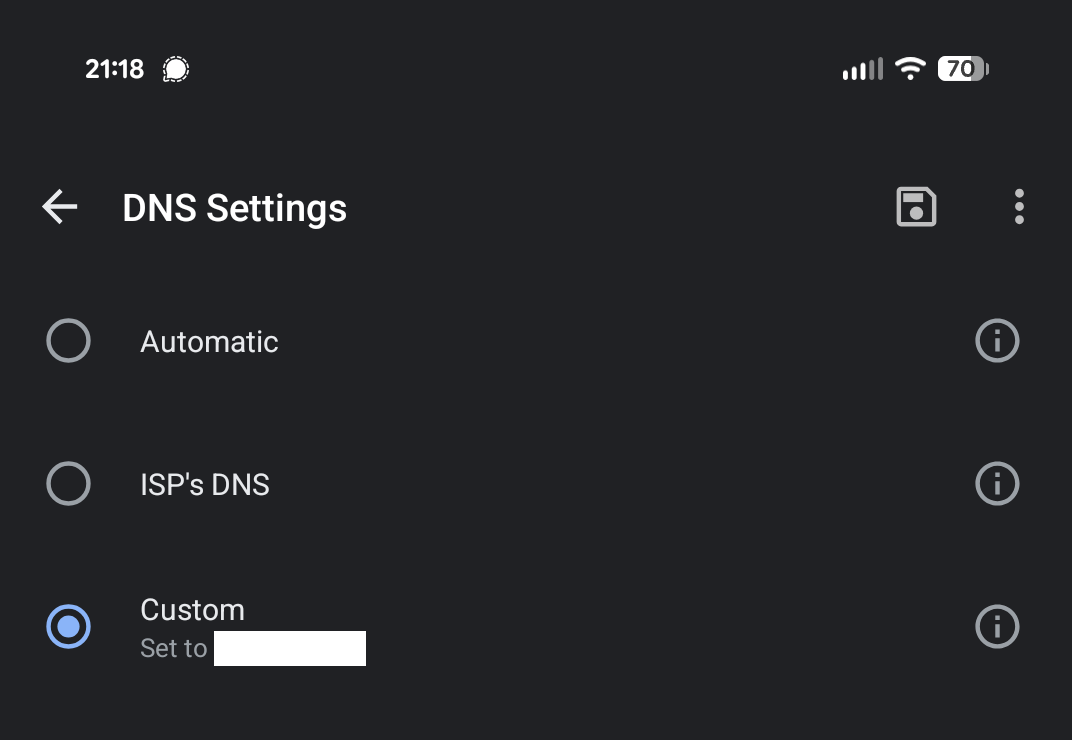
- Set your AdGuard
- Block Lists
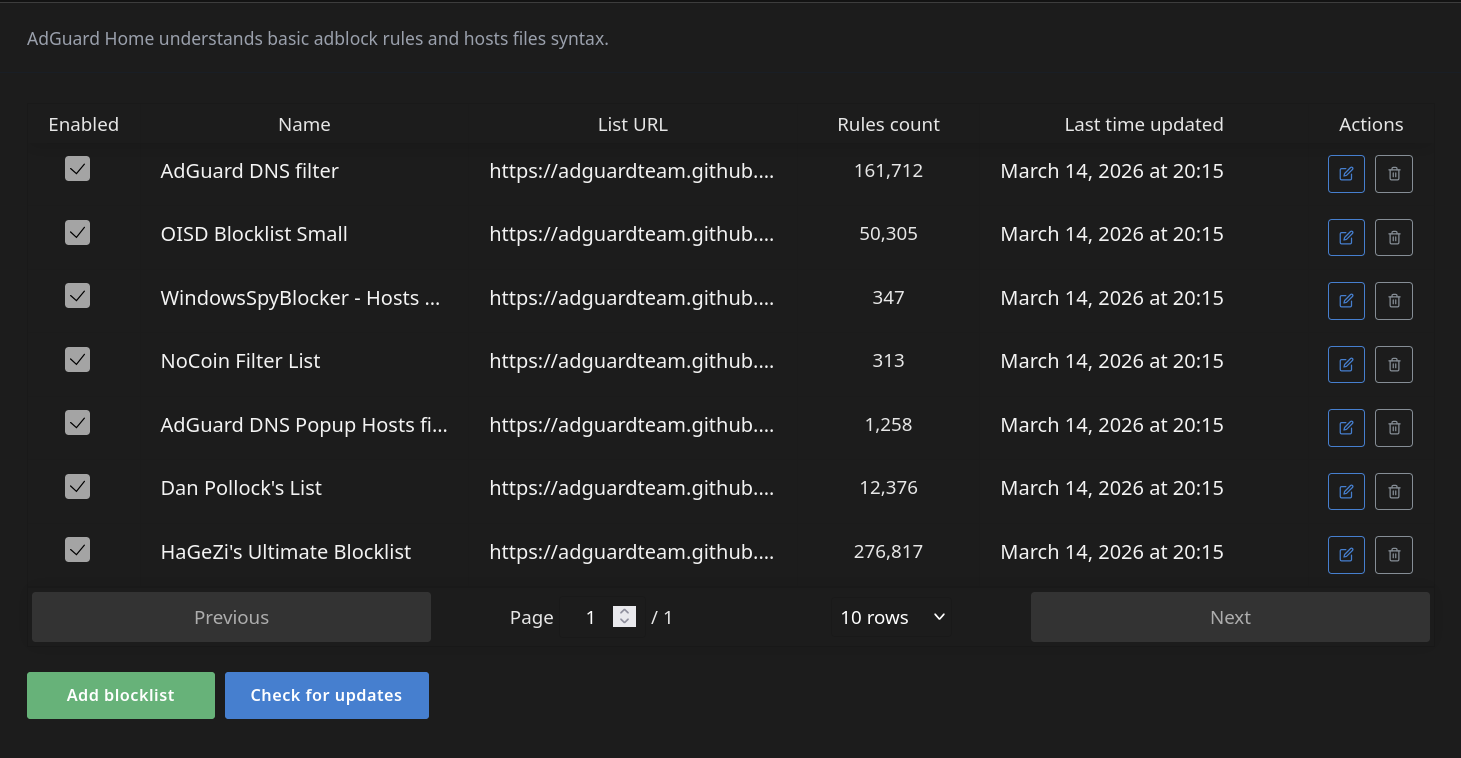
- Upstream Providers

- DNS Rewrites
- Allow Lists
- Custom Rules

- Back up you AdGuardHome.yaml
- Block Lists
Deploy with Docker Compose:
services:
  adguardhome:
    image: adguard/adguardhome
    container_name: adguardhome
    volumes:
	    #place AdGuardHome.yaml here if you already have a configured instance
      - [map to your /conf directory]:/opt/adguardhome/conf
      - [map to your /work directory]:/opt/adguardhome/work
    deploy:
      mode: global
    ports:
      - "53:53/udp"  # <Host Port>:<Container Port>
      - "53:53/tcp"
      - "67:67/udp"
#      - "68:68/udp"
      - "80:80/tcp"
      - "443:443/tcp"
      - "443:443/udp"
      - "3000:3000/tcp"
      - "853:853/tcp"
      - "853:853/udp"
      - "8853:8853/udp"
      - "784:784/udp"
      - "5443:5443/tcp"
      - "5443:5443/udp"
    restart: unless-stopped
Troubleshooting
Systemd-Resolved
Reference: Fix systemd-resolved Us these steps when systemd is using port 53:
- Create a config folder inside
/etc/systemd
sudo mkdir -p /etc/systemd/resolved.conf.d
- Create a file called
adguardhome.confin/etc/systemd/resolved.conf.d/with the following contents:
[Resolve]
DNS=127.0.0.1
DNSStubListener=no
- Activate the new resolved file
sudo mv /etc/resolv.conf /etc/resolv.conf.backup
sudo ln -s /run/systemd/resolve/resolv.conf /etc/resolv.conf
- Restart systemd-resolved
sudo systemctl reload-or-restart systemd-resolved
SE-Linux
Your configuration may vary, I found that using Fedora’s Cockpit SE-Linux GUI was very helpful to identify and resolve errors. The following commands are what worked for me:
sudo ausearch -c '(uardHome)' --raw | audit2allow -M my-uardHome
semodule -X 300 -i my-uardHome.pp