References
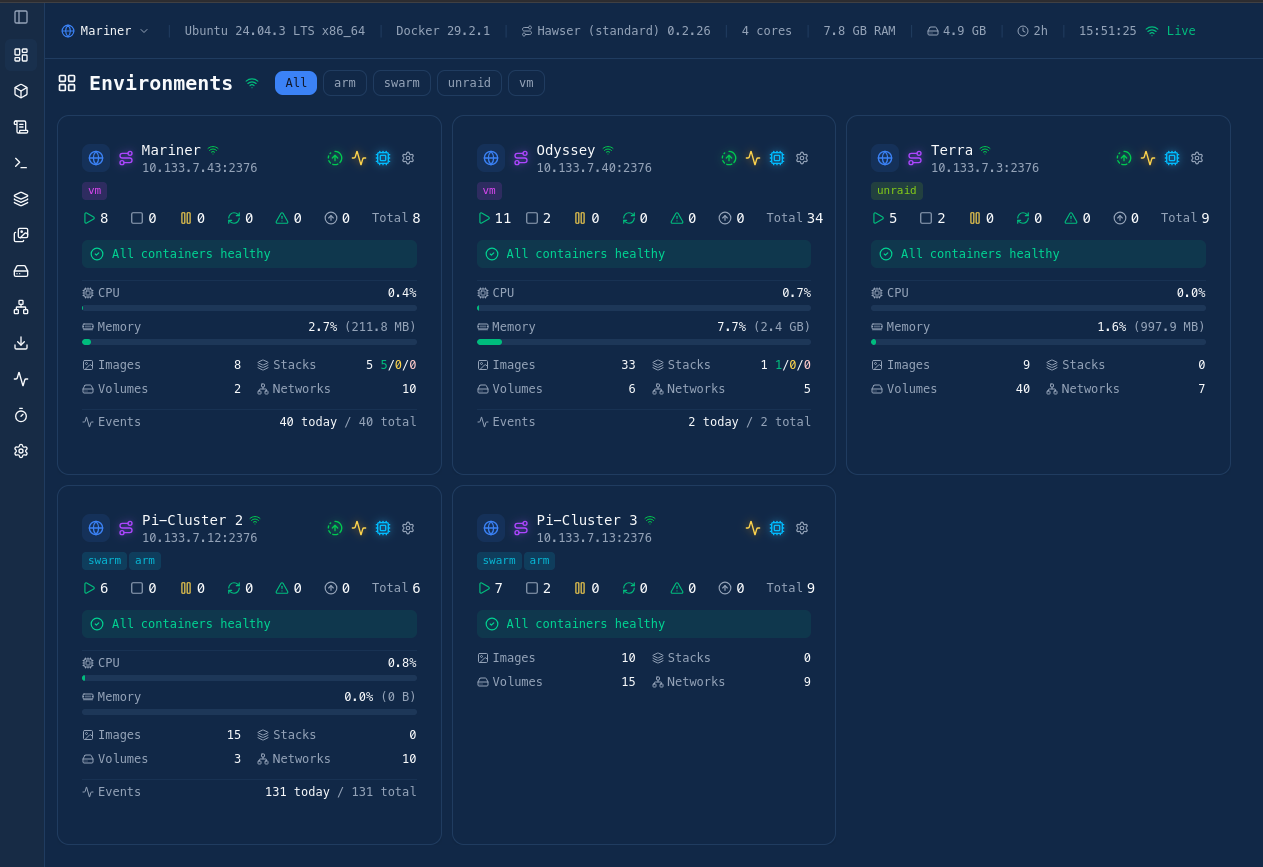
Setup
Docker Compose:
services:
  dockhand:
    image: fnsys/dockhand:latest
    container_name: dockhand
    restart: unless-stopped
    ports:
      - "3000:3000"
    volumes:
      - /var/run/docker.sock:/var/run/docker.sock
      - ./data:/app/data
      - /home/mechanicus/Code/compose:/mnt/compose
Notes: using a separate data directory instead of a volume mount will make the container easier to manage and transfer if necessary
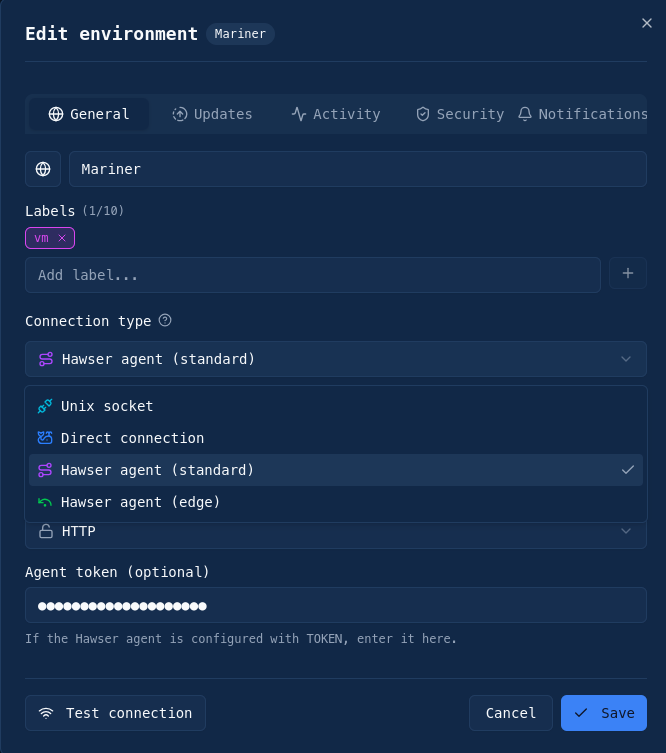
Adding Environments
My preferred method is to use the hawser connector:
docker run -d --name hawser --restart unless-stopped \
-v /var/run/docker.sock:/var/run/docker.sock \
-v /home/mechanicus/code/docker-compose/:/mnt/compose \
-p 2376:2376 -e TOKEN==[SECURE TOKEN] \
ghcr.io/finsys/hawser:latest
Note: Include the location of compose files for easier management
Features
Multi Node Monitoring via Hawser
Git Repositories: set up a git repository that can be tracked by Dockhand for automatic stack redeployment
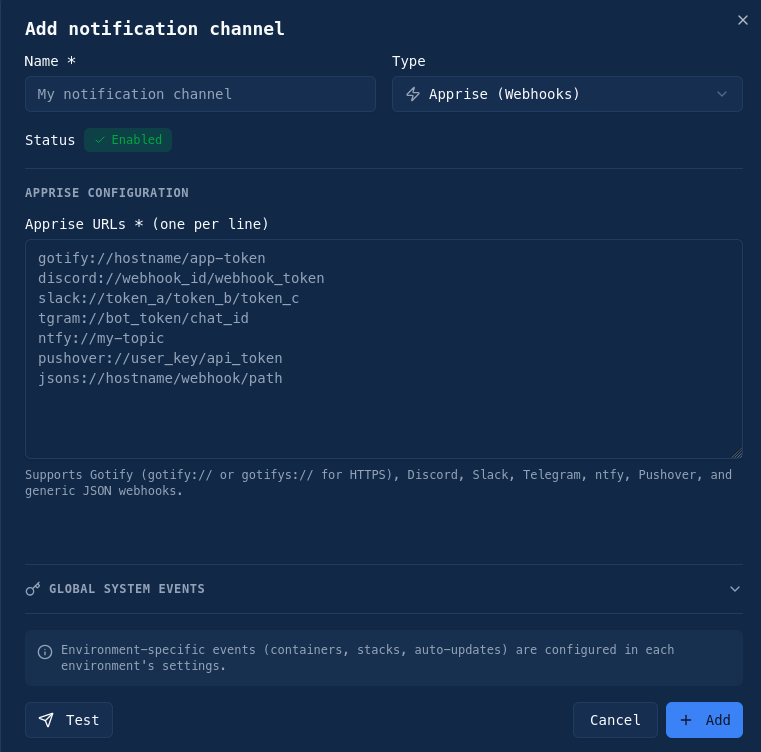
Notifications: discord, slack, telegram, ntfy…
Multi-user support - but user permission types are locked behind the enterprise license
Stack management
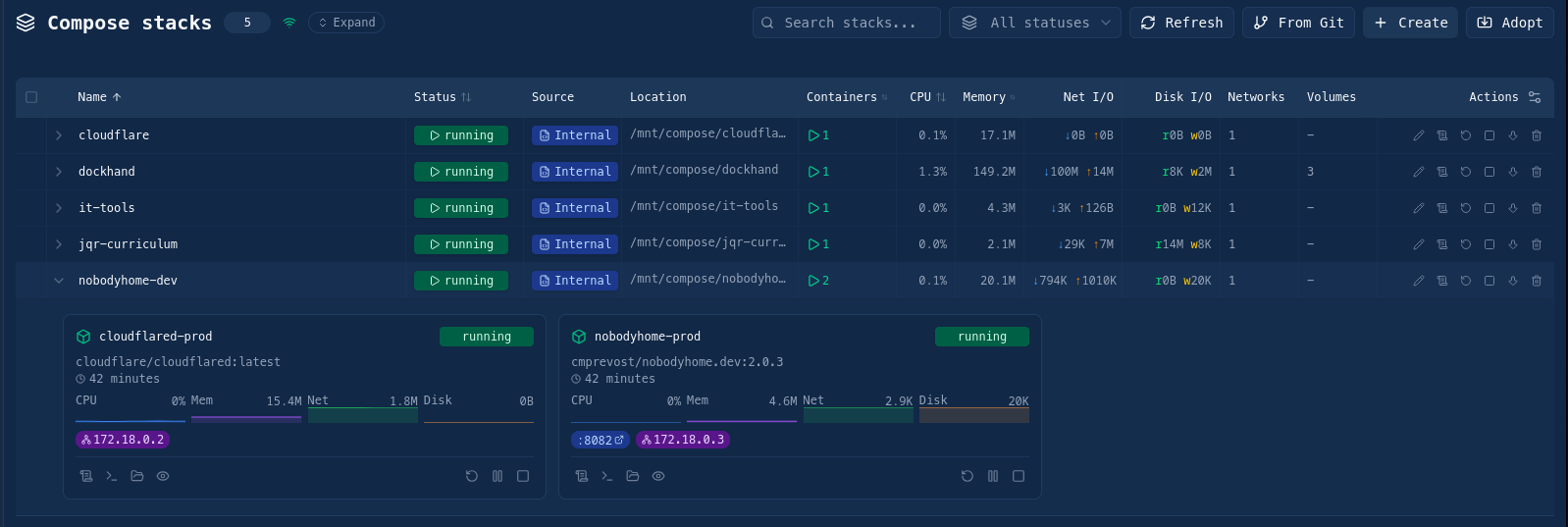
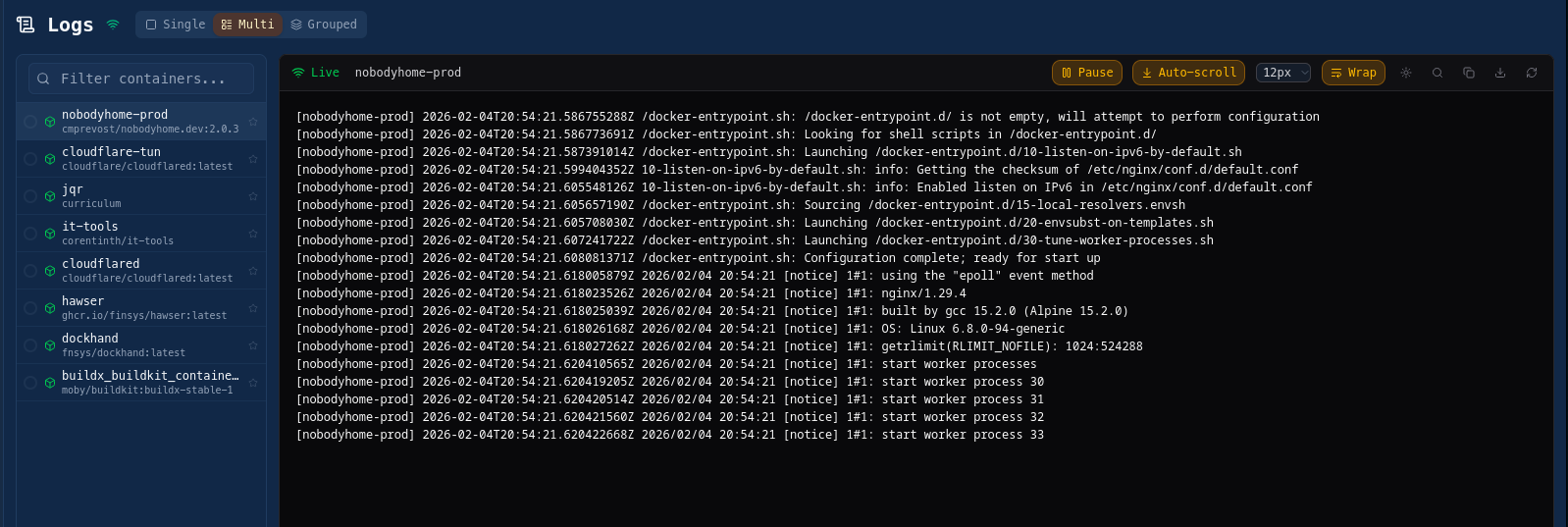
Easy log reviews logs
Issues:
Does not handle Docker Swarms - there are no features for collective swarm management, everything is treated as a single node